Embrace keeps every fever, dose, shot and doctor's note for everyone you care for, in one private place, on your iPhone or in any browser.




For most families it is a notes app, a few photos and one person's memory. This one-minute video shows how Embrace gives all of it one private place. Scroll on afterwards to watch an entry being made, step by step.
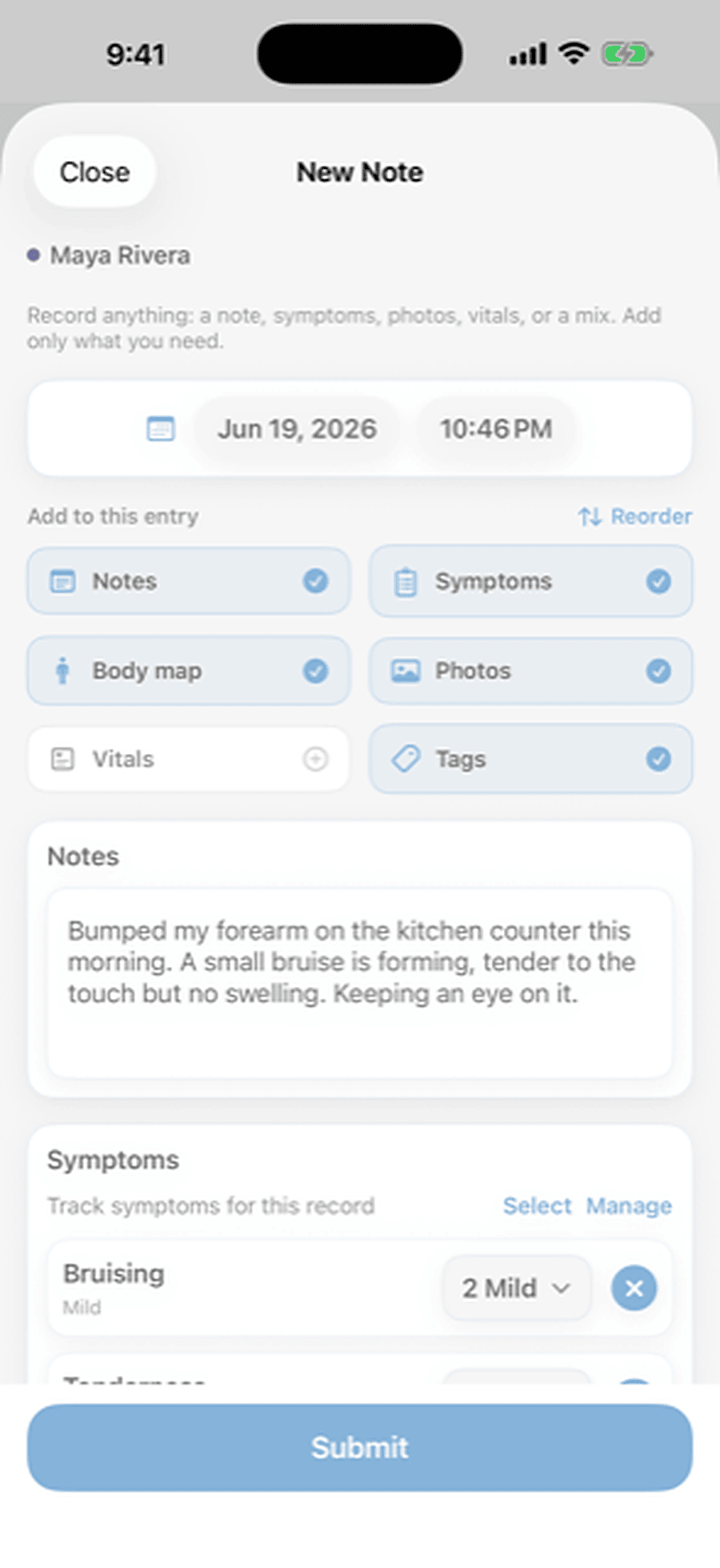
See an entry being made →Each person you care for gets a profile. Each entry is built from the pieces you choose: a note, symptoms, a body map, photos, vitals or tags. Here is one, at 2 AM, when Ella is burning up.
1 OF 4 · scrollWrite it the way you would text it.Pick Ella, tap Notes and type. Nothing else is required.
2 OF 4 · scrollTap the symptom and rate it.Fever, three out of five. Enough to see next week whether she is getting better.
3 OF 4 · scrollTap where it hurts.Left ear, again. The spot is saved, so you can check whether it is the same ear as last time.
4 OF 4Add a photo, and save.Dated and searchable, and shared only if you choose. Your partner sees it on their phone or in a browser. Next month, when the doctor asks when the first one was, you have the answer.Try Embrace FREETry the demo →
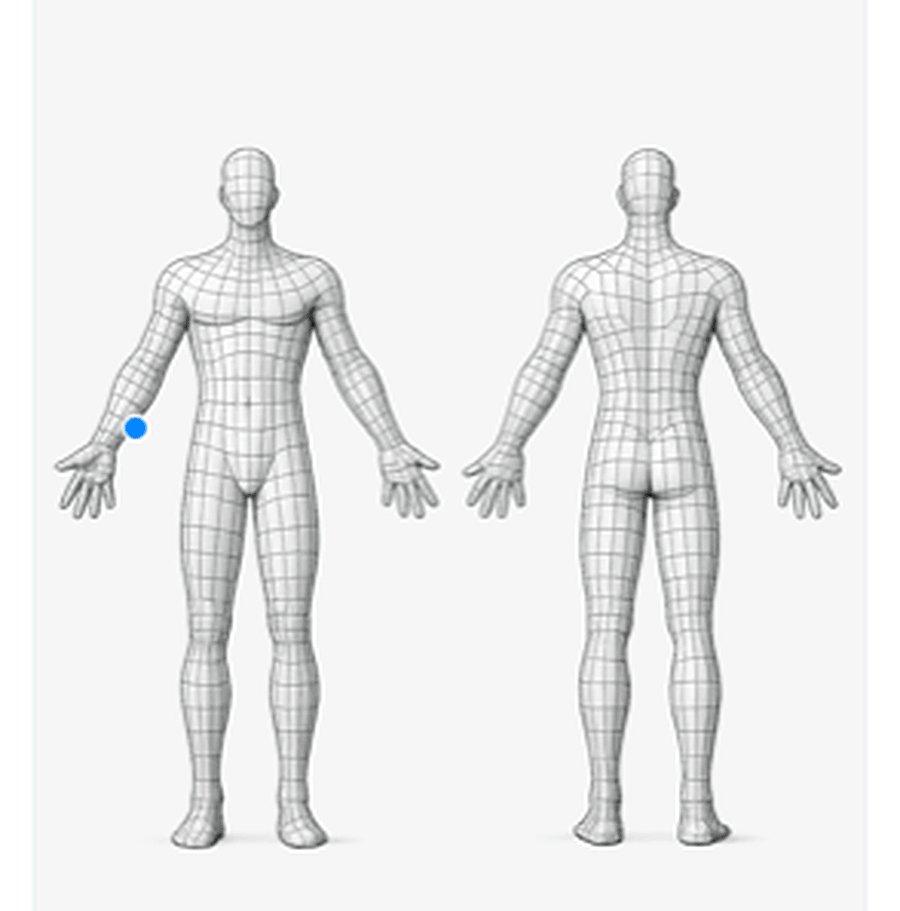 Left ear
It is the part of Embrace you use most: one entry for anything that happens, built from the pieces you choose, kept by person and by day for as long as you want it.
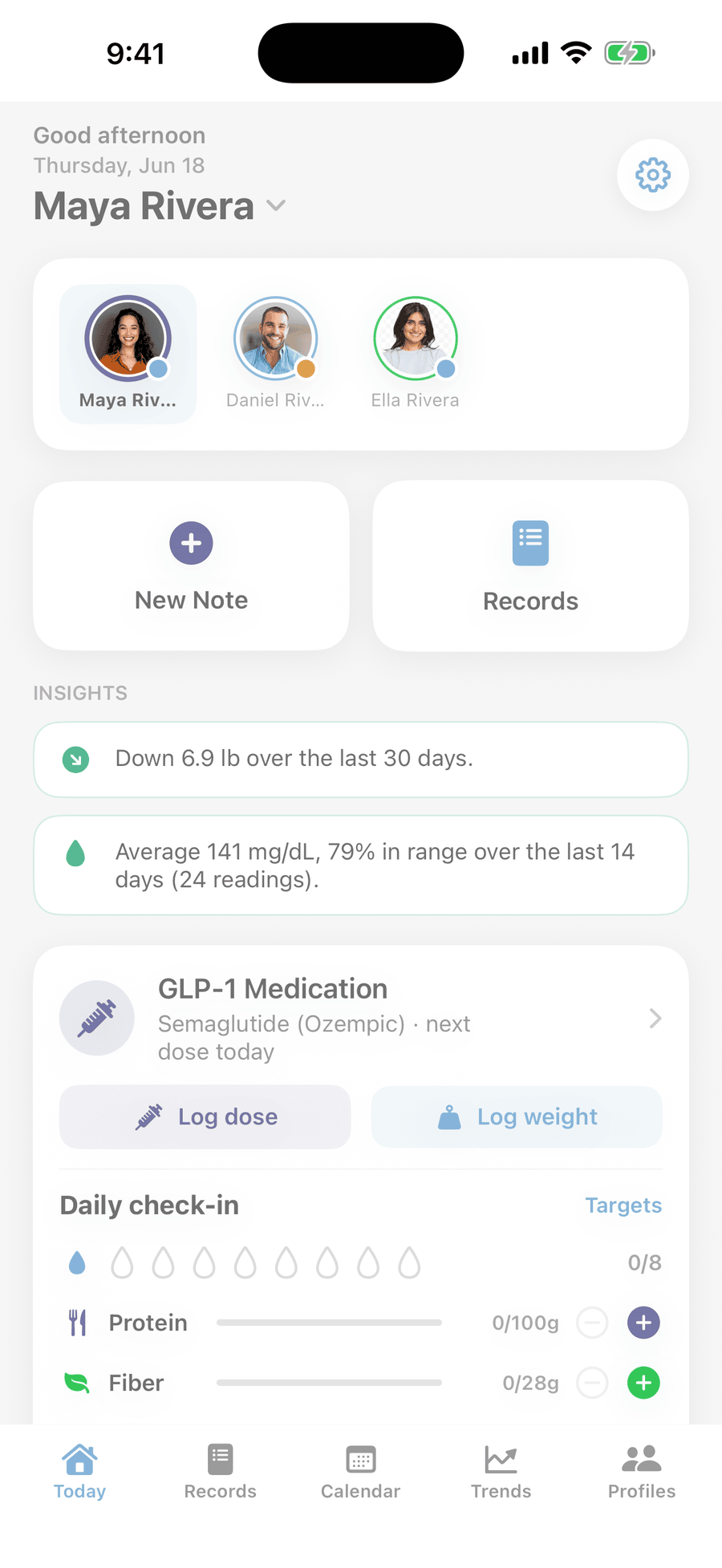
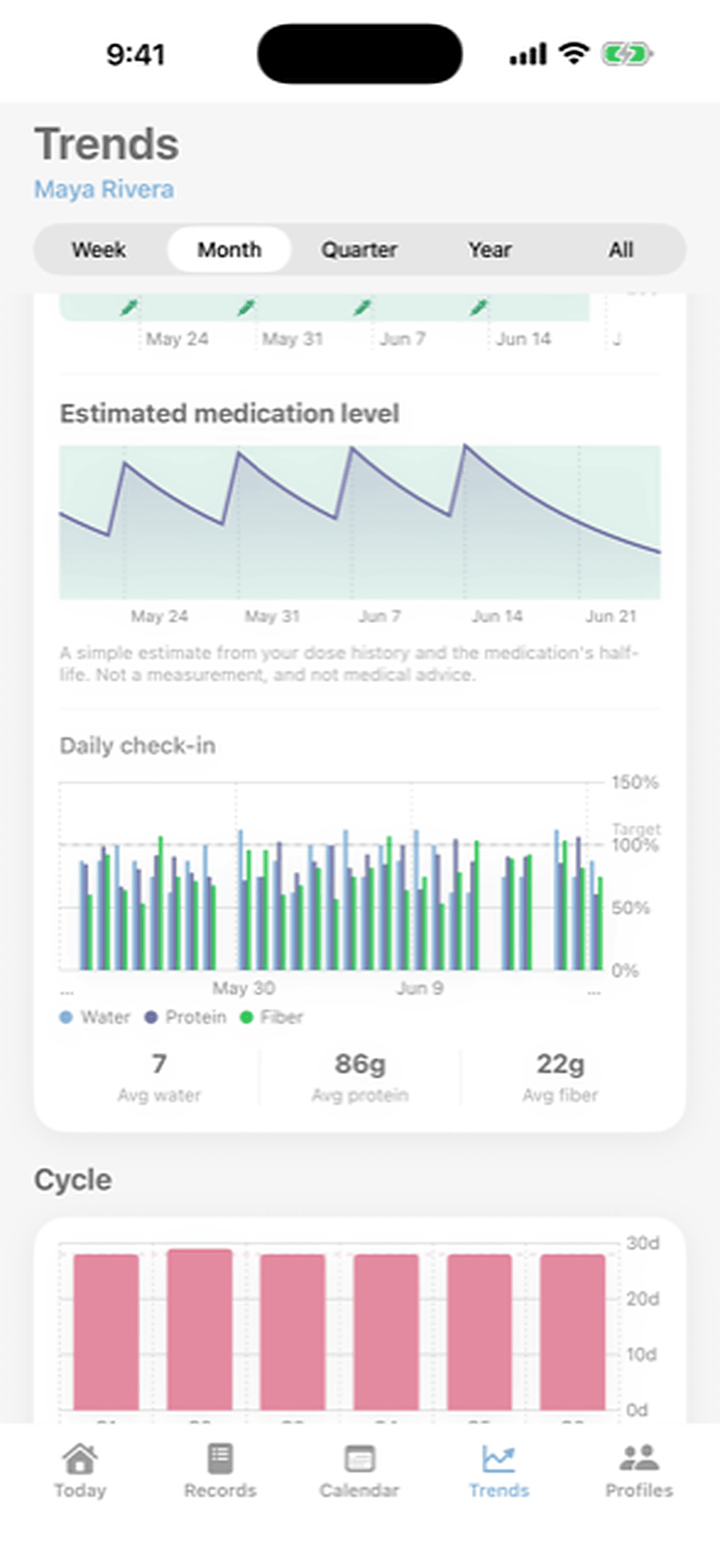
Every person gets the same three screens: what is happening today, how their numbers are trending, and what happened on any given day.
TODAY · scrollOpen the app and see how everyone is doing right now.The dose due tonight, the reading from this morning and the appointment on Thursday, with a tap to switch from Ella to Daniel.
TRENDS · scrollCharts for every number you track.Weight, blood pressure, glucose, sleep and symptoms over weeks and months, with the change summed up in plain words.
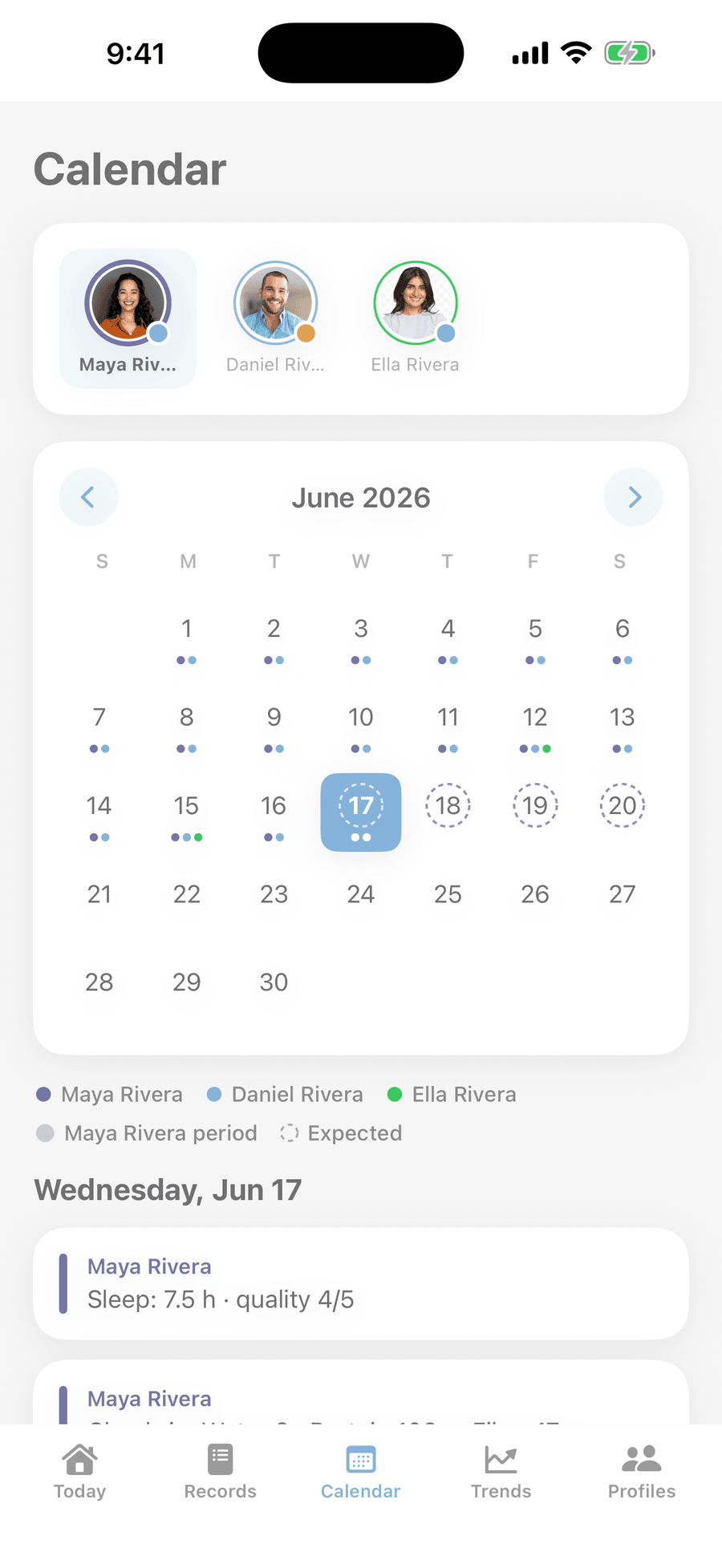
CALENDARA calendar that shows who had what on which day.Colour-coded dots for each person, so a missed dose or a rough night is easy to find weeks later.
Embrace includes trackers for blood pressure, glucose, medications, periods, mood and sleep, weight and nutrition, plus a binder for medical records. Each person's profile carries only the ones they selected, and those show up on that person's Today screen, calendar and trends.
She turned on blood pressure, glucose, medications and medical records. Her granddaughter Ella's profile has none of those. Yours might add cycle tracking. Same app for everyone, and each person sees only what they selected.
Tap any tracker to see what it does. The ones switched on are Tina's.
Everyone who helps uses Embrace on their own phone or computer. You decide which people they see and what they can do.
Change or stop sharing any time.
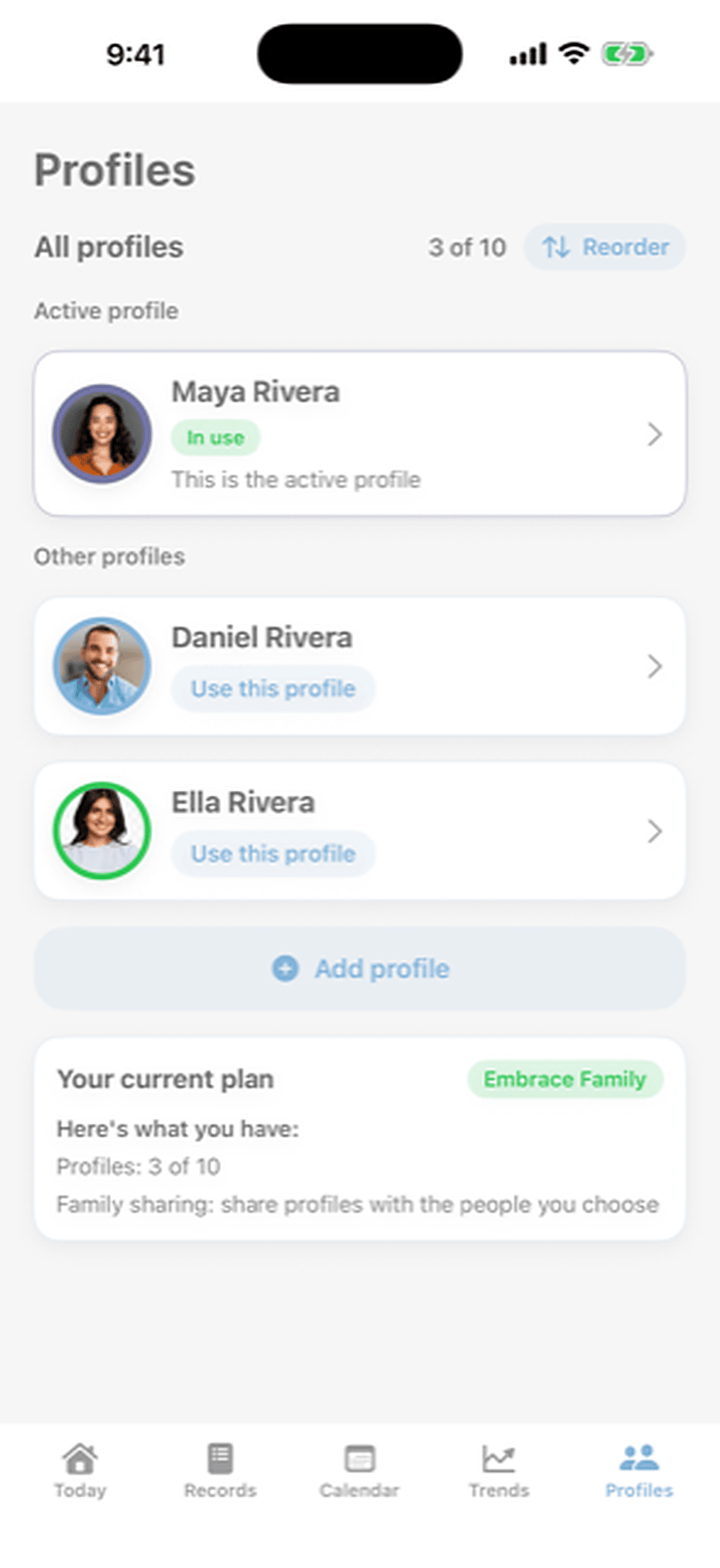
The Rivera family's last three months are already in both. Each has six things to try, and an arrow shows you where to tap. Nothing you do leaves your screen.
The web app demo is made for a bigger screen. Open this page on a computer to try it.
Your family's records live in one private Embrace account, which you open on your iPhone or in a browser. They are stored encrypted, and only the people you choose can see them.
Add everyone you look after, and invite the people who help.

Sign in with your email, add the people you care for, and write down the first thing that happens. The iPhone app and the web app show the same records.
Start your own family Download on theApp Store